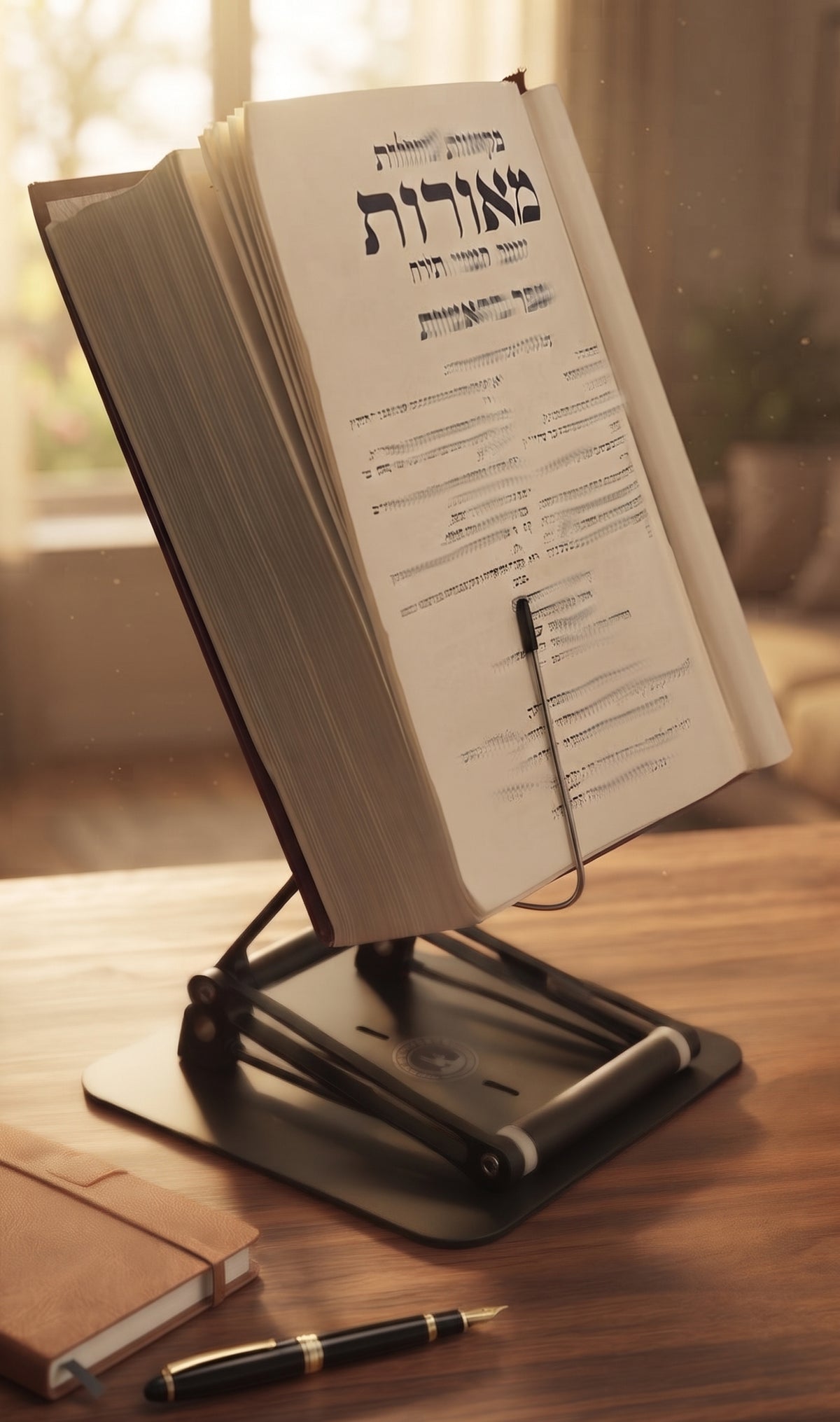
What is an Adjustable Reading Stand?
An adjustable reading stand or shtender is designed to improve comfort, posture, and productivity. Proper setup and usage ensure you get the maximum benefit from the product.
Step 1: Choose the Right Location
Place the stand on a stable and flat surface such as:
- A desk
- A table
- A lectern platform
- A study bench
Make sure there is enough surrounding space to adjust the stand easily.

The Stander by Dr. Shtaygen
An adjustable stand for heavy textbooks and long reading
Height- and angle-adjustable. 5052 aluminum alloy frame, 1.5 kg (3.3 lb), tested with heavy volumes up to 5 kg (11 lb). $95 + shipping, free 30-day returns.
See The StanderStep 2: Adjust the Viewing Angle

Most modern stands allow multiple angle settings.
For best comfort:
- Use a steeper angle for reading books
- Use a moderate angle for writing or laptop use
- Adjust until the text is close to eye level
The goal is to avoid bending your neck downward.
Choosing the right stand is just as important. See our 2026 guide to the best book stands for studying.
Pro Tip for Back Relief: When adjusting your angle, ensure your lower back is pressed firmly against the lumbar support of your chair. If you find yourself leaning forward to see the text, increase the height of the stand rather than tilting your body. The Stander by Dr. Shtaygen allows for significant height elevation to keep your spine perfectly vertical. [Ergonomic and Proper Posture for Sitting - Spine Care | UCLA Health]
Step 3: Set the Proper Height

If your stand has height adjustment:
- When sitting: the top of the book should be near eye level
- When standing: keep the reading surface slightly below eye level
This reduces strain on the neck and shoulders.
Step 4: Secure Your Materials
Place books, documents, or devices securely on the stand. Many stands include:
- Page holders
- Bottom ledges
- Anti-slip surfaces
Ensure materials remain stable while reading or typing.
Step 5: Alternate Between Sitting and Standing

To maintain comfort during long sessions:
- Sit for 30–60 minutes
- Stand for 15–30 minutes
- Stretch occasionally
This helps prevent fatigue and improves circulation.
Learn more about balancing positions in our guide to sitting vs standing for better health.
Maintenance Tips
To keep your stand in good condition:
- Clean with a soft cloth regularly
- Avoid placing excessive weight on the surface
- Check hinges or adjustment mechanisms periodically
Proper care ensures long-lasting performance.
Improve Your Study Setup
If you're looking to elevate books, tablets, or laptops to a more comfortable reading position, an adjustable stand can make a significant difference.
Explore The Stander →
Final Thoughts
An adjustable reading stand is more than a simple accessory—it’s a tool designed to promote healthier reading and working habits. With correct setup and regular movement, it can significantly improve comfort during long study or work sessions.
For our FAQ about the Stander
For more about alleviating and/or preventing neck pain, see our How to Study for Long Hours Without Neck Pain
The Stander by Dr. Shtaygen
An adjustable stand for heavy textbooks and long reading
Height- and angle-adjustable. 5052 aluminum alloy frame, 1.5 kg (3.3 lb), tested with heavy volumes up to 5 kg (11 lb). $95 + shipping, free 30-day returns.
See The Stander