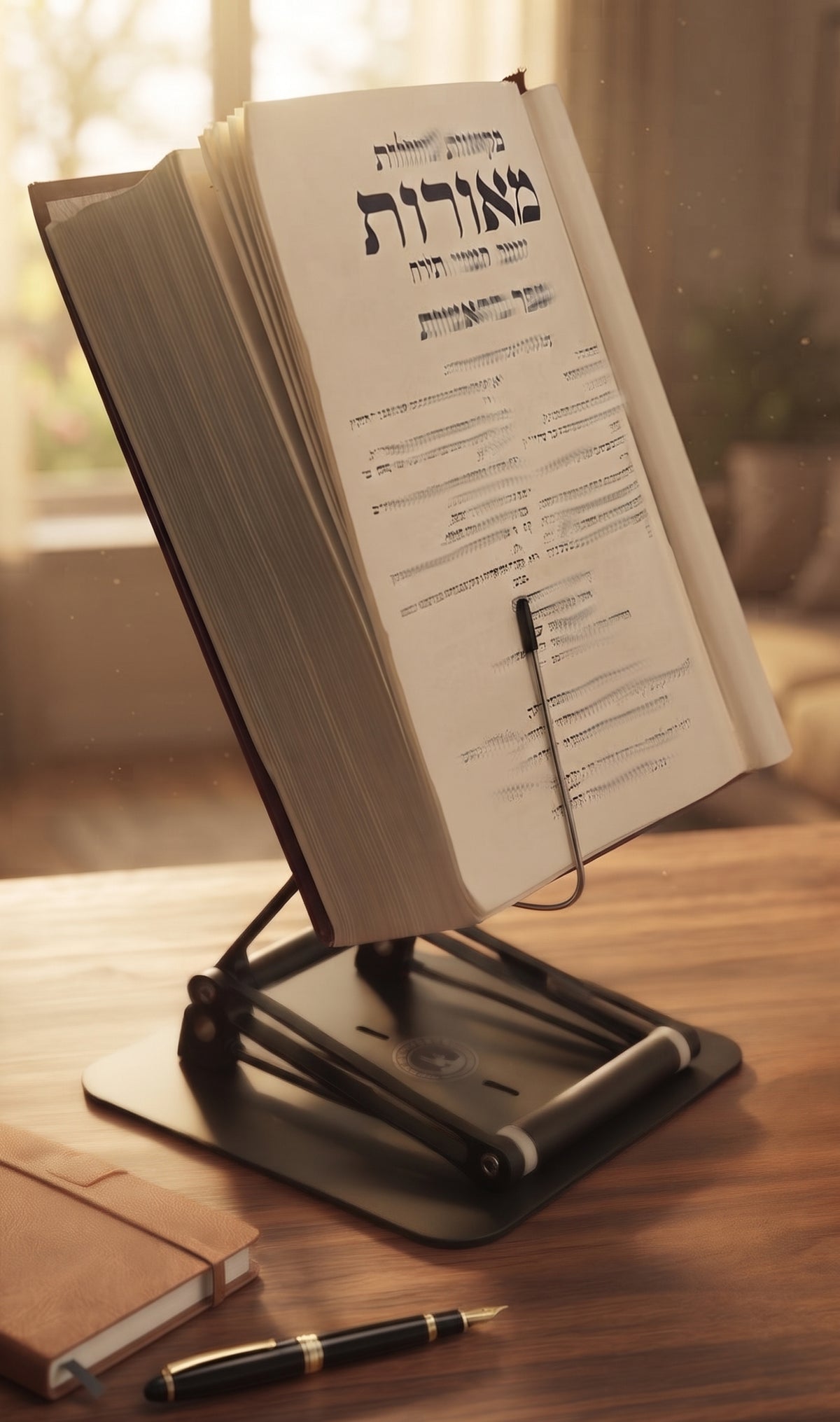
If your neck starts arguing with you 20 minutes into reading, the problem may not be the book. It may be the setup. A common question is what angle should a book stand be, and the honest answer is not one fixed number. The best angle depends on what you are reading, how long you are reading, whether you are sitting or standing, and how high the stand places the material in the first place.
That said, there is a useful ergonomic range. Most people do well with a book stand angled somewhere between about 45 and 60 degrees for general reading. That range usually brings the page into a more natural line of sight, reduces the need to bend the neck forward, and keeps the wrists from doing unnecessary work holding pages open. If the stand is very low on the desk, you may need a steeper angle to compensate. If it is height-adjustable and can bring the book closer to eye level, a slightly flatter angle can still feel excellent.

The Stander by Dr. Shtaygen
An adjustable stand that raises your reading to eye level
Height- and angle-adjustable. 5052 aluminum alloy frame, 1.5 kg (3.3 lb), tested with heavy volumes up to 5 kg (11 lb). $95 + shipping, free 30-day returns.
See The StanderWhat angle should a book stand be for good posture?
The real goal is not chasing a magic angle. The goal is reducing cervical flexion, which is the forward bend of the neck that piles stress onto the upper spine over time. When a book lies flat on a desk, your head tends to drop. That posture feels harmless for a few minutes, then gradually turns into stiffness, fatigue, and the familiar urge to rub the back of your neck and pretend that counts as treatment.
A properly angled stand changes that geometry. Instead of forcing your eyes down to the page, it brings the page up toward your eyes. For most seated reading, 45 to 60 degrees is a strong starting point because it balances visibility and page access. It is steep enough to improve line of sight, but not so upright that the book becomes awkward to mark up, turn, or stabilize.
If you are reading dense material for long sessions, especially textbooks, legal materials, or religious texts, the angle often works best when paired with height. Height matters more than many people realize. A shallow angle on a stand that rises significantly can outperform a steep angle on a stand that stays low. That is because the neck cares about where the page ends up, not just the tilt of the platform.
The best angle depends on the task
Not every reading session asks the same thing from your body. Leisure reading, active studying, and recipe-following all create different ergonomic demands.
For passive reading, such as a novel or general nonfiction, a moderate angle around 50 degrees often feels natural. You are mainly scanning text, not writing notes every few seconds, so the stand can prioritize visual comfort.
For studying, many people prefer a range closer to 40 to 55 degrees. That slightly lower angle can make it easier to annotate, highlight, or reference diagrams while still lifting the material off the desk. If you are constantly moving between the book and a notebook or keyboard, the sweet spot is the one that minimizes head bobbing. That is the technical term nobody uses, but everyone experiences.
For cookbooks or sheet music, steeper angles can work well, often around 55 to 65 degrees, because quick visibility matters more than writing on the page. In these cases, glare, lighting, and distance from the user also become more important.
For tablets or laptops used as reading devices, the angle should support screen visibility without introducing reflection. A screen may need a different tilt than a printed page, which is one reason flimsy one-purpose stands often disappoint serious users.
Heavy books need a different standard
This is where many generic stands fail. A light paperback is forgiving. A large textbook, Talmud volume, medical reference, or art book is not. As book weight increases, the practical angle becomes partly a stability question.
A stand that wobbles at 60 degrees under a heavy text is not ergonomically sound, even if 60 degrees looks right on paper. If the platform shifts, bounces, or threatens to fold under load, your body compensates. You lean in. You tense your shoulders. You stop trusting the setup. At that point, posture loses to self-preservation.
For heavy books, the ideal angle is the steepest angle the stand can hold securely without movement. In many cases, that still falls in the 45 to 60 degree range, but only if the build quality is serious enough to support it.
What angle should a book stand be if you sit versus stand?
Sitting and standing change the equation because your eye line changes.
When seated at a desk, the stand usually needs either more tilt, more height, or both. Since the book starts lower relative to your face, a steeper angle often helps. This is why many seated users land around 50 to 60 degrees.
When standing, especially at a counter or elevated desk, the book may already be closer to chest or eye level. In that case, a slightly flatter angle can feel more natural, often around 35 to 50 degrees. You are not trying to rescue the page from desk level anymore. You are fine-tuning visibility.
This is also where a height-adjustable stand becomes far more useful than a fixed one. If a stand can raise the reading material substantially, you do not have to rely on angle alone to solve a height problem. That leads to a more neutral posture and a setup that adapts to both seated work and moderate standing workflows.
Why a fixed angle is rarely enough
A lot of inexpensive book stands make one quiet assumption: that every user, every desk, and every task is basically the same. That assumption is nonsense.
Your body dimensions matter. Your desk height matters. Your chair height matters. The size of the book matters. The amount of time you spend reading matters. Even your visual habits matter. Someone doing close textual analysis for three hours has different needs from someone propping up a cookbook for 15 minutes.
That is why the best answer to what angle should a book stand be is adjustable within a useful range. A stand should let you change tilt easily and hold that position firmly. Better yet, it should also adjust height so you can bring the material closer to eye level rather than creating a steep little mountain on top of the desk and calling it ergonomics.
A premium adjustable model like The Stander by Dr. Shtaygen addresses this problem the way a serious tool should. It does not just tilt. It elevates books, laptops, and tablets up to 17.8 inches above the tabletop, which opens up much better posture options for both seated and standing use. That extra height means you can achieve a comfortable viewing position without forcing an extreme angle, and the heavy-duty construction matters when the item on the stand is a real textbook instead of a featherweight pamphlet.
Signs your angle is wrong
Your body usually tells you before your brain does. If you keep dropping your chin to read, the stand is too low, too flat, or both. If your shoulders creep upward, you may be reaching or leaning into the material. If the pages are hard to see without squinting, the angle may be causing glare or putting the text too far below your line of sight.
There is also a practical test. Sit or stand in your normal working posture, look straight ahead, then lower your gaze slightly with your eyes before moving your head. Your reading material should land as close to that visual zone as possible. If you have to crane down to find it, your setup needs adjustment.
How to find your best book stand angle
Start at about 45 degrees. Place the stand directly in front of you, not off to one side, and raise it as much as the design allows without making it unstable. Then read for ten minutes.
If you still feel your neck tipping forward, increase the angle or increase the height. If the page feels too upright to interact with comfortably, reduce the angle slightly. Keep adjusting until your head feels balanced over your shoulders and your eyes can track the page without effort.
For longer study sessions, comfort after 30 to 60 minutes matters more than first impression. Some setups feel fine immediately and become irritating later. The right angle is the one that holds up over time.
A good stand should serve the work, not ask your body to negotiate with it. If the angle is adjustable, stable, and supported by enough height, you can create a setup that protects posture and keeps your focus where it belongs - on the text, not on your trapezius muscles filing a complaint.
The Stander by Dr. Shtaygen
An adjustable stand that raises your reading to eye level
Height- and angle-adjustable. 5052 aluminum alloy frame, 1.5 kg (3.3 lb), tested with heavy volumes up to 5 kg (11 lb). $95 + shipping, free 30-day returns.
See The Stander