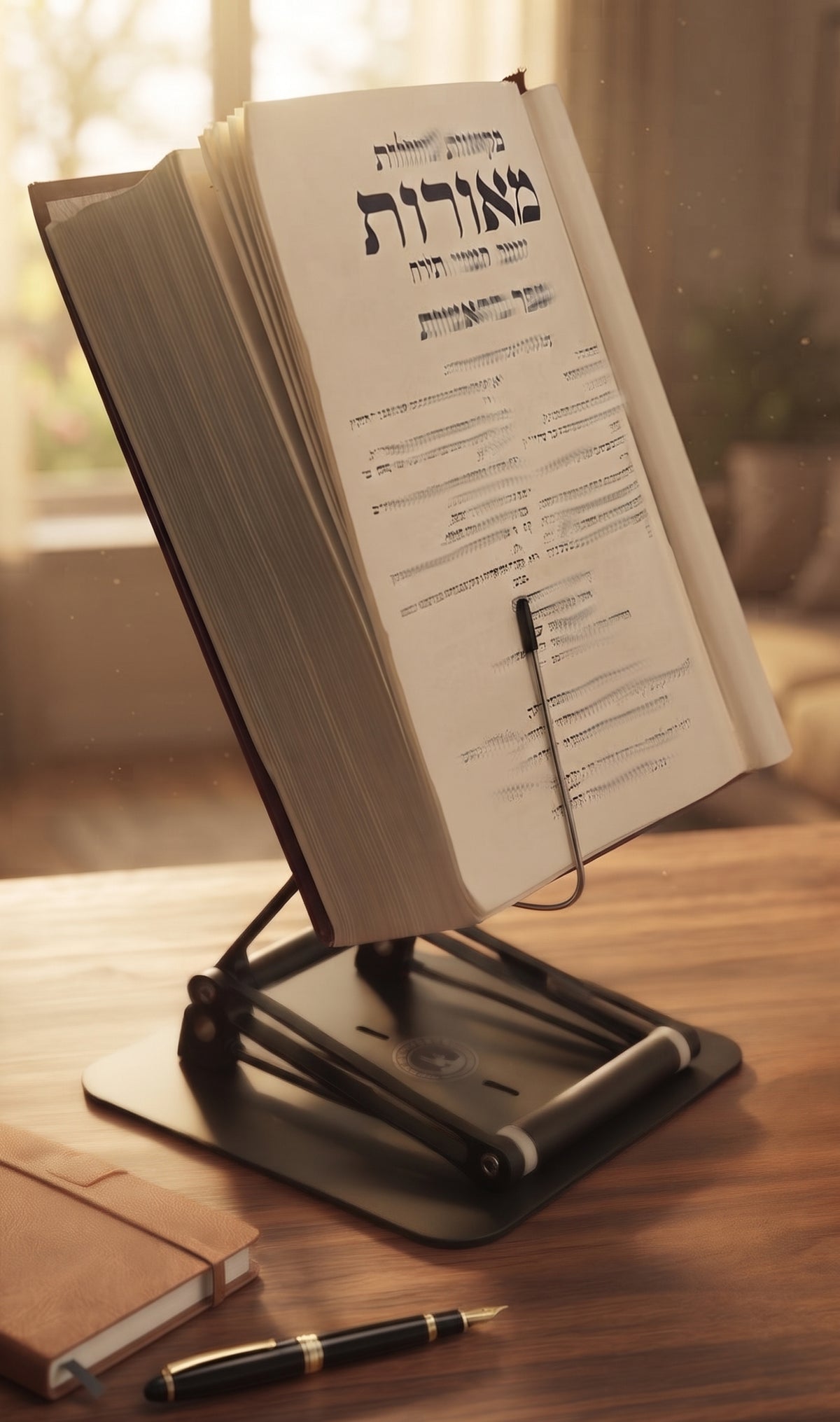
A thick textbook creeping flat across the desk has a predictable result: your head follows it downward. By the end of a study session, your neck is bent, your shoulders are rounding, and the work that deserved your full attention has become an endurance test. An adjustable angle desk book stand is designed to change that equation by bringing the page closer to your natural line of sight.
But the phrase gets used loosely. Many products called book stands are really lightweight reading easels. They may hold a paperback at a pleasant angle, yet wobble under a medical text, sit too low for a laptop, or force you to choose between decent posture and a usable desk. For serious readers, students, professionals, and scholars, the details are not minor. They determine whether a stand becomes part of a productive daily setup or another abandoned desk accessory.

The Stander by Dr. Shtaygen
A desk book stand that adjusts in angle and height
Height- and angle-adjustable. 5052 aluminum alloy frame, 1.5 kg (3.3 lb), tested with heavy volumes up to 5 kg (11 lb). $95 + shipping, free 30-day returns.
See The StanderWhy angle alone is not enough
An angled surface is helpful because it reduces the need to look sharply downward at a page. That can make reading easier on the neck and can also improve the viewing angle for notes, music, recipes, or a tablet. It is a meaningful first step, especially compared with reading from a book laid flat on the desk.
Still, angle and height solve different problems. A stand that tilts but remains close to the tabletop may improve the page position while leaving your chin tucked toward your chest. For a brief reading session, that may be acceptable. For hours of exam preparation, document review, Torah study, research, or desk work, it usually is not enough.
A genuinely useful adjustable angle desk book stand should let you set both the tilt of the platform and its elevation. The goal is not to force a perfectly rigid posture. The goal is to put the material at a height that lets your eyes meet it with less forward head movement, while your shoulders stay relaxed and your back is supported.
The eye-level principle in real work
Eye level does not mean every line of every page must sit directly in front of your pupils. That would be impractical, particularly with large books. It means the material should be high enough that you are not spending the day folding your neck over the desk.
Your ideal setting depends on your chair, torso length, desk height, monitor arrangement, and the size of what you are reading. A large textbook naturally sits higher than a slim paperback once placed on a raised platform. This is why a stand's stated height should be understood as a starting measurement, not the final screen or page height.
For standing work, elevation becomes even more valuable. A low book stand can turn a standing session into the same neck-bent posture performed on your feet. A taller stand gives you the option to move between seated and moderate standing workflows without relocating your materials or rebuilding your desk.
What separates a serious desk book stand from a flimsy one
A stand can look elegant in a product photo and still be entirely wrong for demanding work. The real test comes when you place a heavy volume on it, adjust the angle, turn pages with one hand, and write notes with the other. Stability is the feature that makes all the other adjustments usable.
A platform should stay where you set it rather than sagging under load. The joints should hold their position without requiring a delicate balancing act, and the base should resist shifting across the desk. A raised book stand has more leverage than a short tabletop easel, so engineering matters more as height increases.
Material choice matters here as well. Plastic stands can be convenient for occasional tablet viewing, but they often flex under substantial weight and may wear at their moving parts. A heavy-duty platform with friction joints is better suited to the repeated adjustments and heavier loads associated with academic books, legal materials, large religious texts, and laptops.
The retaining lip at the bottom deserves attention too. It needs to be deep and secure enough to support a thick book or device at an angle without blocking an unreasonable amount of the page. The best designs do this quietly. Your book stays put, your hands remain free, and the stand does not demand attention while you are trying to think.
Match the stand to the way you actually work
The right setup is not necessarily the highest or most adjustable one. It is the one that supports your actual routine. A student switching between a textbook and handwritten notes may prioritize quick angle changes and a stable platform. A remote professional may need room for a laptop, external keyboard, and reference documents. A scholar working through substantial volumes may care most about load capacity, a wide reading surface, and the confidence that the stand will not drift during a long session.
The traditional shtender offers a useful model. It was never merely a decorative reading stand. It was a dedicated working surface that kept sacred texts accessible for focused study. A modern ergonomic stand applies that same seriousness to the contemporary desk, whether the material is a sefer, a casebook, a cookbook, sheet music, or a laptop.
That versatility is valuable, but it should not come at the cost of specialization. A stand marketed as a device for everything can be disappointing if it is built for almost nothing. Look for a design that is truly strong enough for books and thoughtfully proportioned for screens, rather than a tablet accessory wearing a more ambitious label.
A practical way to set your reading position
Start by sitting as you normally would, with both feet supported and your chair close enough to the desk that you are not reaching forward. Place your book on the stand, then raise the platform until the upper portion of the page is comfortably within your viewing field. Adjust the tilt so the print is easy to see without creating glare from nearby lights.
Read for ten minutes before deciding the setup is correct. If you notice yourself leading with your chin, lifting your shoulders, or leaning your torso forward, make a small change. Ergonomic improvement often comes from several modest adjustments rather than one dramatic correction.
If you work on a laptop, use the stand to raise the screen and pair it with an external keyboard and mouse when possible. Raising a laptop without separating the keyboard can improve neck position but may place the wrists and shoulders in an awkward typing position. This is a trade-off, not a failure of the stand. The appropriate configuration depends on whether you are reading, typing briefly, or typing for several hours.
For standing sessions, begin with short blocks. The purpose of standing is not to prove toughness or replace sitting entirely. Alternating positions can help break up long periods of stillness, and a high-adjustment stand makes that change far more practical.
Questions worth asking before you buy
Will it hold the materials I use most?
Do not shop according to the lightest item you own. Consider the heaviest textbook, binder, laptop, or volume you expect to use. A stand that is comfortable with a paperback but unstable with a reference book will eventually limit your workflow.
How high does it really raise the page or screen?
Check whether the listed measurement refers to the platform, the supporting lip, or the top of the item once loaded. The Stander by Dr. Shtaygen raises its aluminum support lip 17.8 inches above the tabletop, meaning the book or screen itself sits higher depending on its dimensions. That range is what makes a desk setup more adaptable for both seated study and moderate standing use.
Can I adjust it without interrupting my work?
A stand should be adjustable, but it should not require a mechanical ritual every time you change a book. Smooth, secure adjustments encourage you to use the positions that support your posture instead of tolerating an inconvenient setting for hours.
Does the build justify a permanent place on my desk?
A serious stand is not clutter if it replaces the stack of books, boxes, and improvised risers that were doing its job poorly. Consider its footprint, finish, and durability as part of the workspace, not as an afterthought. A well-built stand should feel at home beside the tools you depend on for serious work.
A better reading position will not make every deadline pleasant or every dense chapter short. It can, however, remove one unnecessary source of fatigue from the work that matters. When your materials are elevated, stable, and easy to see, your desk becomes less of a place to hunch over and more of a place to stay with the task.
The Stander by Dr. Shtaygen
A desk book stand that adjusts in angle and height
Height- and angle-adjustable. 5052 aluminum alloy frame, 1.5 kg (3.3 lb), tested with heavy volumes up to 5 kg (11 lb). $95 + shipping, free 30-day returns.
See The Stander