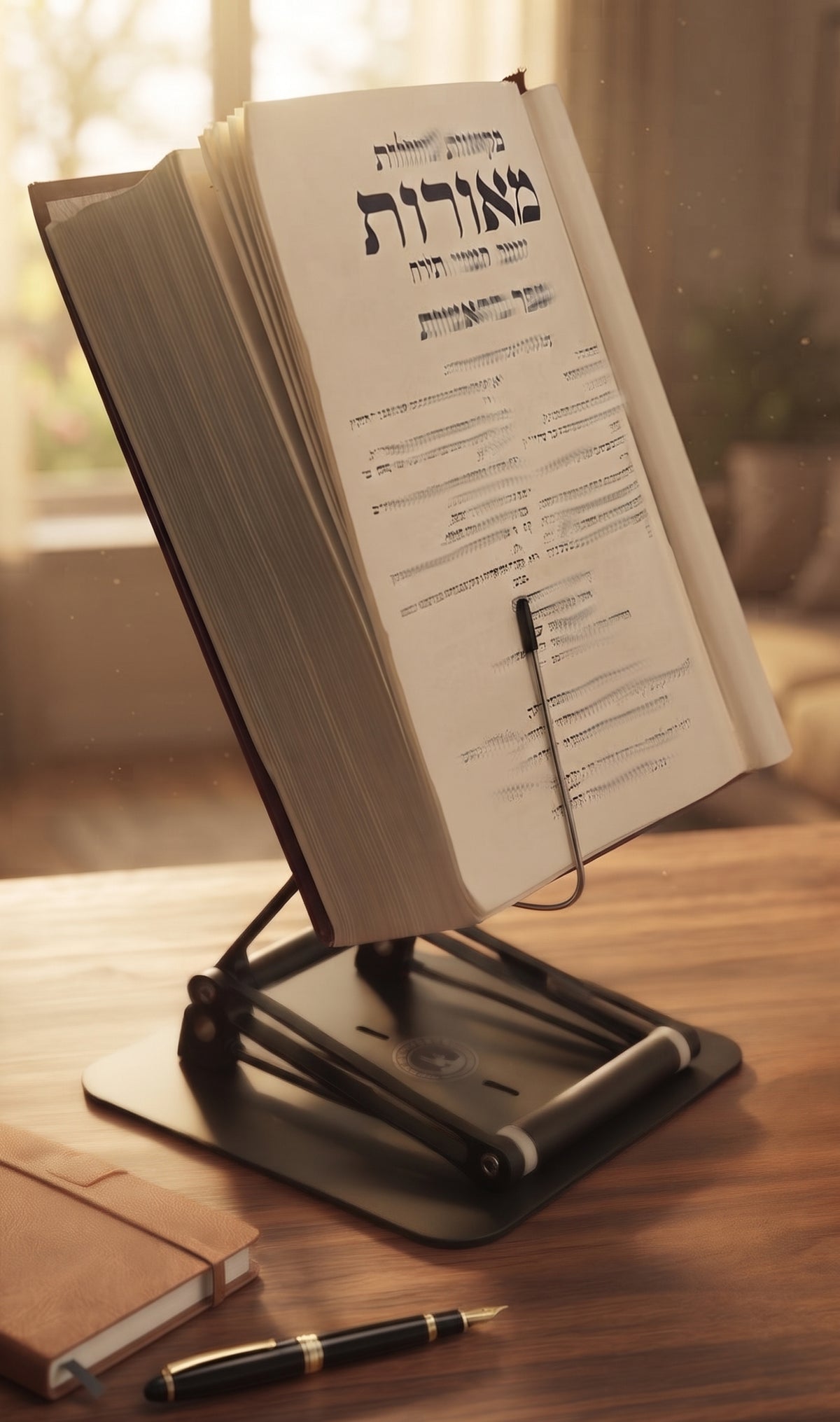
You usually feel it about 20 minutes too late. The page is good, your focus is solid, and then your neck starts sending complaints up the chain of command. A stiff base of the skull, tight shoulders, maybe a headache building behind the eyes. If you are wondering how to prevent neck strain while reading, the fix is rarely willpower. It is almost always mechanics.
Reading looks harmless because it is quiet. But the cervical spine does not care whether you are lifting a box or lowering your head over a dense textbook. When your head stays tilted forward for long stretches, the muscles at the back of the neck have to support more load than they were designed to manage comfortably. That is why even serious readers, students, and scholars can end a study session feeling like they spent the afternoon moving furniture.

The Stander by Dr. Shtaygen
An adjustable stand that raises your reading to eye level
Height- and angle-adjustable. 5052 aluminum alloy frame, 1.5 kg (3.3 lb), tested with heavy volumes up to 5 kg (11 lb). $95 + shipping, free 30-day returns.
See The StanderWhy reading causes neck strain so easily
The main problem is downward gaze. Most people read with the material flat on a desk, in their lap, or on a table that is too low. That position pulls the head forward and rounds the upper back. Once that happens, the neck is no longer working alone. The shoulders creep up, the mid-back stiffens, and the whole posture starts collapsing one segment at a time.
There is also a concentration trap. The more absorbed you are, the less often you adjust your position. That is great for learning, but not for tissue tolerance. A decent posture held too long can still become a bad posture. Static load is the issue, not just poor alignment.
The weight and size of the reading material matter too. A phone encourages an extreme downward angle. A large textbook often ends up too low and too far away. A heavy religious text can be stable on a table but still force your neck into flexion for an hour. Different formats, same basic problem.
How to prevent neck strain while reading at a desk
Start with height. Your reading material should sit as close to eye level as practical. It does not need to be perfectly vertical, and in fact a slight tilt is often more comfortable. But if you have to bend your neck downward to see clearly, the setup is still working against you.
Distance matters almost as much. Put the material close enough that you can read without leaning forward. For most people, that means roughly the distance of their forearm to hand from the eyes, then adjusting based on vision and text size. If the book is too far away, your head will drift toward it like a magnet.
Your chair should support a neutral sitting position. Feet flat on the floor, hips supported, and elbows relaxed. You do not need to sit like a museum mannequin. You do need to avoid perching, slumping, or craning. The best reading posture is one you can maintain without extra muscular drama.
A raised reading surface helps because it solves the real problem instead of asking your body to compensate for it. This is where a serious stand earns its keep. A flimsy book holder is fine until the book gets heavy, the angle slips, or the whole thing starts wobbling like it is negotiating terms. A stable, adjustable platform that brings books or screens higher changes the geometry of reading in your favor.
The simplest ergonomic rule: raise the page, not your shoulders
People often try to fix neck strain by “sitting up straighter.” That cue is not wrong, but on its own it is incomplete. If the page stays low, you will either drop your head again or over-tense your upper back trying to resist gravity. Neither is a long-term plan.
A better rule is this: raise the reading material first, then let posture improve around it. Once the page or screen comes up, the neck can stay closer to neutral, the shoulders can relax, and breathing usually improves too. It is a small setup change with a very non-small payoff.
That is one reason height-adjustable stands are so effective for serious reading and study. They do more than tilt a book. They move the work into your visual field. For students moving between textbooks and notes, professionals reviewing documents, or scholars working through dense volumes, that elevation reduces repeated neck flexion over the course of the day.
Small adjustments that make a big difference
Lighting is one of the sneaky causes of neck strain. If the page is dim, you instinctively lean in. If there is glare, you start twisting or tipping your head to find a clear angle. Good light lets your eyes do their job without recruiting your neck. Aim for bright, even lighting on the page, especially for evening reading.
Text size also matters. If you are squinting, enlarging digital text or using reading glasses when appropriate can reduce the urge to hunch forward. This is not vanity territory. It is joint preservation.
Page handling is another factor. With large books, people often drop one shoulder or rotate the neck slightly to keep the page in view while one hand holds the text open. Over time, that asymmetry adds up. A stable stand that supports the book well can eliminate that lopsided effort and keep the reading angle consistent.
Breaks matter, but not the way people think
Yes, take breaks. No, they do not need to become an elaborate wellness ceremony.
The goal is simply to interrupt static posture before your body starts negotiating penalties. Every 25 to 40 minutes, look up, stand if you can, roll the shoulders, and move your neck gently through a comfortable range. Not aggressive stretching. Not dramatic circles like you are auditioning for a 1980s exercise tape. Just enough movement to restore circulation and reduce stiffness.
If you read for several hours a day, alternating positions helps. Seated reading is fine, but moderate standing can be excellent when your setup supports it. The key is whether the material rises high enough. If it does not, standing can actually make neck position worse because now you are bending down from a taller posture. Height range matters more than many people realize.
How to prevent neck strain while reading on phones and tablets
Phones are efficient little neck wreckers. They are light, portable, and almost always too low. Tablets are better only when they are propped high enough and used hands-free.
If you read digitally, avoid holding the device in your lap or chest for long sessions. Bring it up, support it, and keep the screen near eye level. If your arms are doing all the holding, your shoulders will eventually complain too. A stand is not a luxury here. It is what makes neutral positioning possible for longer reading sessions.
There is a trade-off, of course. Screens can reduce the physical strain of handling heavy books, but they may increase eye fatigue if brightness, glare, or text contrast are off. The right setup balances both. Comfortable neck angle, readable text, minimal visual strain.
When the real issue is your equipment
Many readers assume their body is the weak link. Often the setup is the weak link.
A low desk, a kitchen chair, a stack of books used as a riser, or a bargain stand that surrenders under actual weight can all keep you trapped in the same bad mechanics. If you regularly study from textbooks, legal materials, manuscripts, cookbooks, sheet music, or sacred texts, you need support built for serious loads and meaningful elevation.
That is the practical difference with a well-engineered stand like The Stander by Dr. Shtaygen. It is not just for making a desk look organized. It raises books, laptops, and tablets high enough to change posture in a measurable way, with the stability to hold heavy material without shifting mid-session. For people who spend real hours reading, that is not a cosmetic upgrade. It is ergonomic infrastructure.
Improve Your Setup
If you're looking to elevate your books, tablets, or laptops to a more comfortable reading position, an adjustable stand can make a significant difference.
When neck strain means something more
Most reading-related neck strain improves with better positioning, less static time, and smarter equipment. But if you have pain that radiates into the shoulder or arm, numbness, frequent headaches, or symptoms that persist even after changing your setup, it is worth getting evaluated by a qualified medical professional. Sometimes the reading posture is the trigger, but not the whole story.
The good news is that many cases are highly responsive to simple changes. You do not need a perfect body, a perfect chair, or monk-like posture discipline. You need a setup that respects the way the neck actually works.
Serious reading should challenge your mind, not your cervical spine. Raise the page, support the load, and let your body spend its energy on the material in front of you instead of on holding your head up against bad geometry.
The Stander by Dr. Shtaygen
An adjustable stand that raises your reading to eye level
Height- and angle-adjustable. 5052 aluminum alloy frame, 1.5 kg (3.3 lb), tested with heavy volumes up to 5 kg (11 lb). $95 + shipping, free 30-day returns.
See The Stander