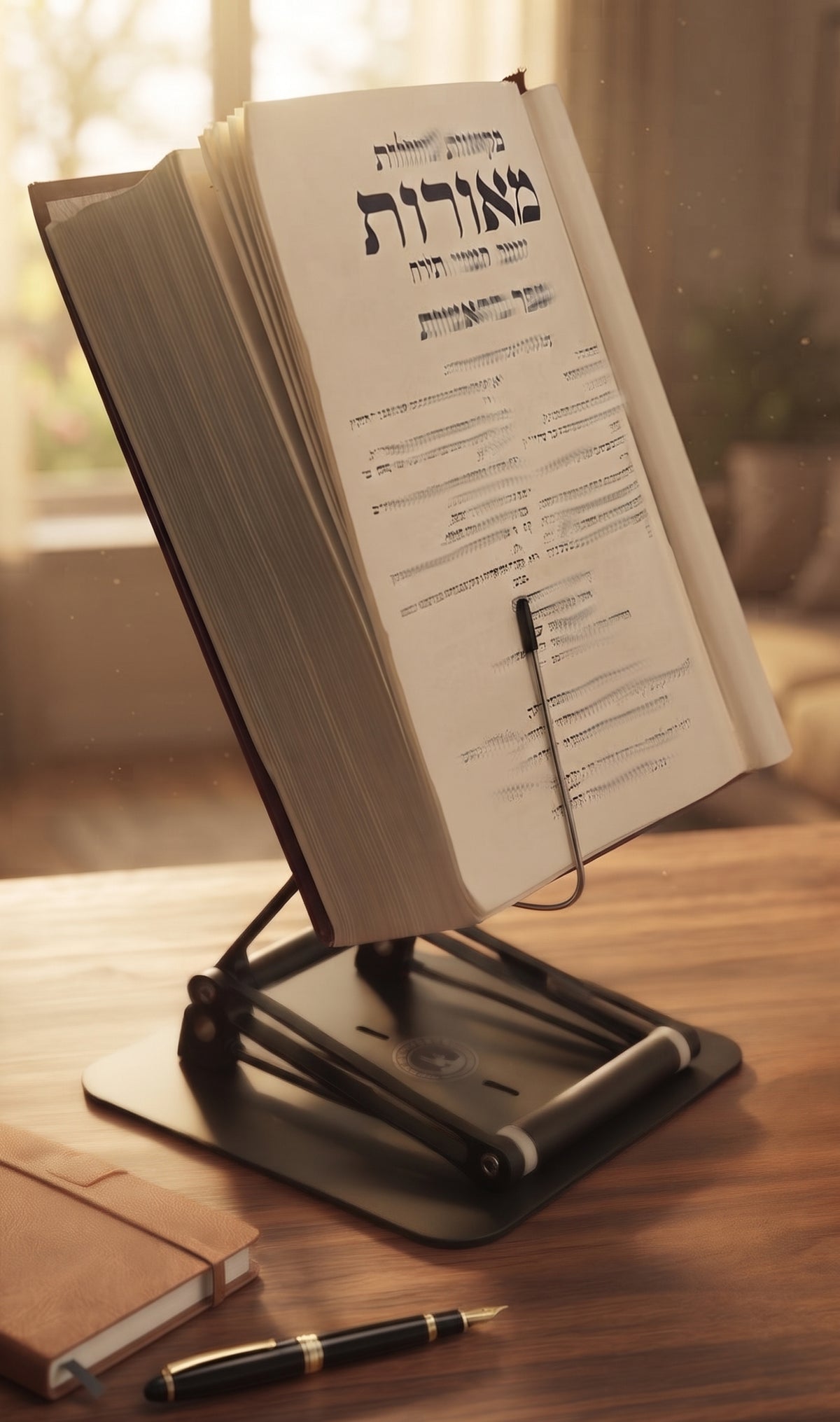
A thick textbook lying flat can pull your head forward one page at a time. The question, “what height prevents neck flexion,” has no single inch-based answer for every person or workspace. But the ergonomic goal is clear: position the material you need to see high enough that your gaze can remain mostly forward and slightly downward, rather than repeatedly collapsing toward your lap or desktop.
That distinction matters. Neck flexion is not simply looking down. A modest downward viewing angle is normal and often comfortable. The problem begins when a book, screen, notes, or recipe sits so low that your head stays bent forward for long stretches. Add a forward-reaching posture, a low chair, or several hours of concentrated reading, and the cervical spine is doing far more work than it should.

The Stander by Dr. Shtaygen
Bring your book or screen to eye level, sitting or standing
Height- and angle-adjustable. 5052 aluminum alloy frame, 1.5 kg (3.3 lb), tested with heavy volumes up to 5 kg (11 lb). $95 + shipping, free 30-day returns.
See The StanderWhat Height Prevents Neck Flexion? Start With Eye Level
For most seated desk work, the top of a screen or the upper portion of the reading material should sit around eye level or just below it. Your primary viewing area should generally fall slightly below your horizontal line of sight, often around 10 to 20 degrees downward. This lets your eyes move more than your neck.
For a monitor, that typically means the top edge is at eye level or a little lower. For a book or textbook, the exact reference point is less tidy because pages are taller, the book may be open at an angle, and your eyes travel across several lines of text. Still, the principle holds: the section you read most should be high enough that your chin is not drifting toward your chest.
A useful test is simple. Sit in your usual working posture with your shoulders relaxed and your back supported. Look straight ahead, then lower your eyes slightly. That is the zone where the center or upper half of your screen, page, or tablet should live. If you must noticeably bend your neck to see it, raise the material. If you need to tip your head backward, lower it.
Neutral does not mean rigidly upright. Trying to hold a military-straight neck all day is tiring in its own way. The aim is a balanced head position, with the ears roughly over the shoulders and only a gentle downward gaze.
Why a Low Book Creates More Than a Neck Problem
When reading material is flat on a desk, the body often responds as a chain. The head flexes forward first. Then the shoulders round, the upper back bends, and the reader inches closer to the page. What began as a low book becomes a poor working position for the neck, shoulders, back, and even the eyes.
The longer the task, the more the height matters. A five-minute glance at a notebook is unlikely to define your posture. Two hours of legal research, exam preparation, religious study, editing, or reading a technical manual is different. Serious reading demands a serious viewing position.
This is why traditional shtenders have endured for centuries. Raising sacred and scholarly texts was not just a matter of respect for the book. It also created a more upright study posture. A modern adjustable stand applies that same practical wisdom to textbooks, laptops, tablets, cookbooks, sheet music, and professional documents.
Use Your Body, Not a Generic Measurement
People often ask for a fixed number: 12 inches, 16 inches, or 20 inches above the desk. A number can help narrow the search, but it cannot replace fitting the setup to your body. Eye height changes with your chair, torso length, footwear, desk height, and whether you are seated or standing.
Instead of measuring from the floor, measure from your working position. Sit as you normally would. Keep both feet supported, let your shoulders settle, and identify where your eyes naturally look when your head is balanced. Raise the material until its most frequently viewed area is near that slightly downward gaze line.
Then read for ten minutes. Do not judge the setup after one glance. If you find your chin lowering, raise the stand. If your nose points upward or you feel tension at the base of the skull, lower it a little. Small adjustments can make a large difference because the neck is responding to an angle, not to a marketing measurement.
Your chair and desk must also cooperate. If your chair is too low, you may need excessive stand height just to see clearly. If it is too high, your arms may lose support while typing. Ergonomics works best as a system: chair height, desk height, material height, viewing distance, and input device placement should support one another.
Reading, Screens, and Writing Need Different Heights
A reading stand can be set higher than a writing surface because reading is primarily a visual task. For a book, tablet, or reference document, bring the material up and tilt it toward you. The page should face your eyes rather than lie flat and demand that your neck travel down to meet it.
A desktop monitor follows a similar rule, though its distance matters more. Position it far enough away that you are not leaning forward to read small text. If you are repeatedly moving closer, enlarge the type before you sacrifice posture.
A laptop is the classic compromise. Raising its screen improves neck position, but raising the keyboard can place your hands too high for comfortable typing. For long laptop sessions, elevate the screen and use a separate keyboard and mouse. If you need to type directly on the laptop keyboard, use a lower position for shorter intervals, then reset your posture often.
Writing by hand is different again. You will look downward to write, and that is unavoidable. The goal is not to eliminate every downward glance. Use a modest incline when possible, keep reference material raised beside the writing area, and avoid turning a two-hour writing session into a prolonged chin-to-chest position.
Seated and Standing Height Are Not the Same
A stand that works beautifully while seated may be too low when you stand. Standing raises your eye level substantially, especially if your desk or countertop stays fixed. That is why a short, fixed book stand may help at one height and fail at the next.
For users who alternate between chair and counter, adjustability is not a luxury feature. It is what allows the reading surface to follow the person. The Stander by Dr. Shtaygen raises its support lip up to 17.8 inches above the tabletop, before the height of the book, laptop, or tablet is added. That range gives seated readers and moderate standing users meaningful room to place heavy texts or screens in a healthier visual zone.
Stability belongs in the conversation too. A tall stand that shakes when you turn a page encourages you to lean in, grip the desk, or keep one hand on the material. That defeats the point. Heavy academic volumes, large tablets, and laptops need a platform that remains planted when real work begins.
A Practical Adjustment Routine
Set your material at a reasonable starting height, then refine it through use. Begin with the top of the screen or the upper reading area near eye level. Tilt books and tablets toward you, particularly when the text is dense or the pages are large. Keep the item close enough to read without leaning, but not so close that your eyes feel crowded.
As you work, watch for the signals your body gives you. A chin that creeps down, shoulders that round, or a tendency to perch at the edge of the chair usually means the viewing surface is too low or too far away. Tightness in the back of the neck can mean the material is too high. Adjust one variable at a time so you know what solved the problem.
Even a well-positioned setup benefits from movement. Change position, stand briefly, look across the room, and give your eyes and neck a break between concentrated blocks of work. Ergonomic equipment reduces unnecessary strain; it does not turn the human body into a statue.
The right height is the one that lets you stay absorbed in the page, problem, or project without your neck quietly paying the bill. Set the work where your eyes can find it, and let your posture spend its energy on thinking rather than compensating.
The Stander by Dr. Shtaygen
Bring your book or screen to eye level, sitting or standing
Height- and angle-adjustable. 5052 aluminum alloy frame, 1.5 kg (3.3 lb), tested with heavy volumes up to 5 kg (11 lb). $95 + shipping, free 30-day returns.
See The Stander